
HiPinny Journal
What File Format Do You Need for Custom Enamel Pins?
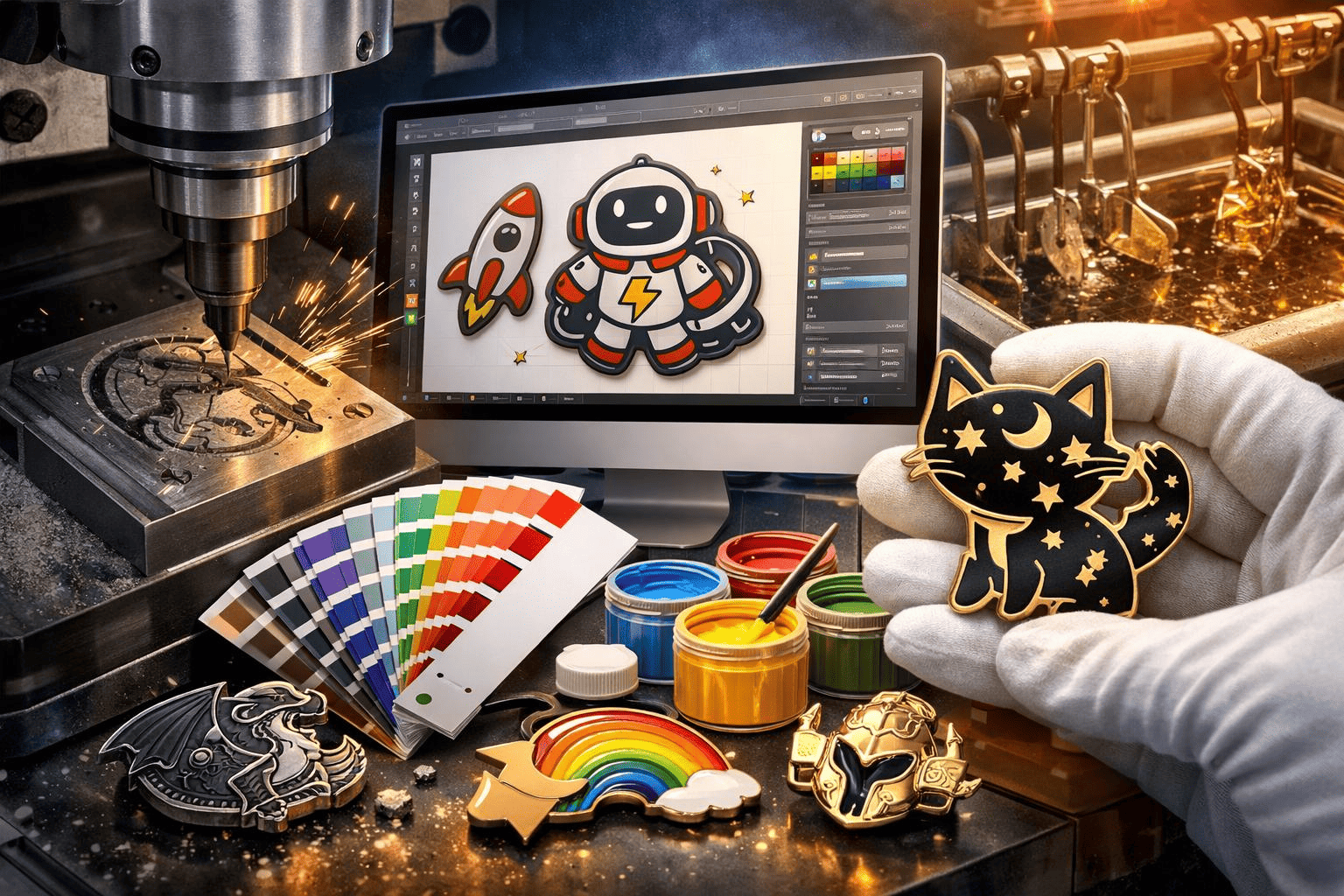
Submitting the wrong file format for custom enamel pins can lead to production delays, quality issues, and increased costs. A smooth process begins with providing your pin supplier the correct file type. The ideal format ensures precision, scalability, and efficient manufacturing—and in this article, I’ll walk you through it.
The best file format for custom enamel pins is a vector file, such as AI or EPS. Vector files retain design clarity at any size1, allow seamless adjustments during production setup, and prevent common issues like distortion or lost detail. Bitmap files or low-resolution images, on the other hand, often fail to meet quality requirements.
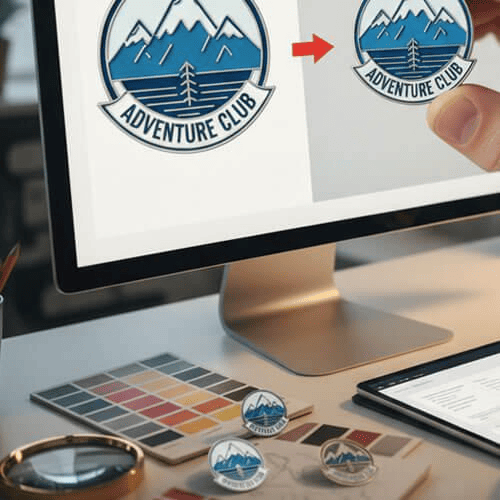
Creating high-quality enamel pins starts with clear, scalable artwork. Let’s dive deeper to learn why vector files are preferred, what mistakes to avoid, and how to prepare your designs.
Why Are Vector Files Ideal for Custom Enamel Pins?
Low-quality files create problems for both designers and manufacturers. Let’s explore how vector files offer the best solution.
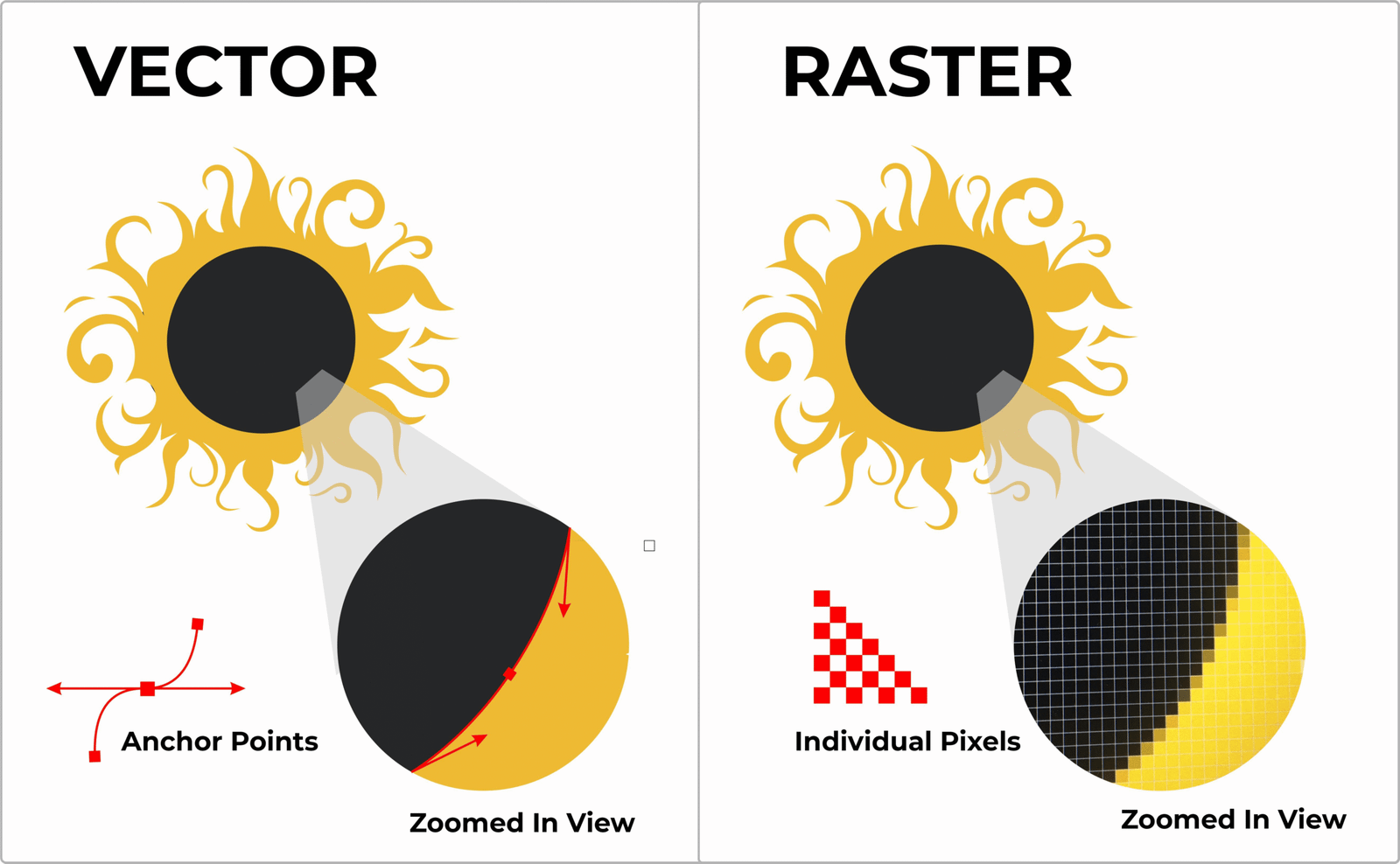
Vector files maintain design clarity regardless of size changes. They’re built using mathematical equations that define shapes, compared to pixel-based bitmap files like JPG or PNG.
Dive deeper into vector file benefits
Vector files provide seamless scalability, which is particularly crucial for small, detailed designs like enamel pins. Manufacturers often need to resize files to match production equipment or optimize for material constraints2. With vector files, this adjustment doesn’t compromise your design's sharpness or accuracy.
Additionally, vector formats such as AI (Adobe Illustrator) and EPS allow for precise color matching and design modifications. For example, if your pin factory notices that a line in your design is too thin to reproduce accurately during production, they can easily adjust it within your vector file.
Here’s a summary:
| File Type | Advantages | Disadvantages |
|---|---|---|
| AI/EPS | Scalable, editable, precise | Requires design software |
| PNG/JPG | Easy to open, common formats | Prone to pixelation, limited editing options |
To address customer concerns, I often recommend hiring a professional graphic designer to ensure your file is formatted properly if you’re unsure how to create vector files yourself.
What happens if you submit the wrong file format?
Submitting an incompatible file can disrupt your production schedule and affect pin quality3.
Wrong formats—like low-resolution or hand-drawn sketches—often lead to production delays and extra costs. Manufacturers must rework these files, adding time to the process and potentially incurring additional fees.
Dive deeper into common file mistakes
Some typical problems include:
- Low-resolution images: A 72-dpi JPG might look fine on a screen, but the lack of detail becomes apparent during production4. Intricate pin designs often appear blurry or pixelated when scaled up or reproduced in physical form.
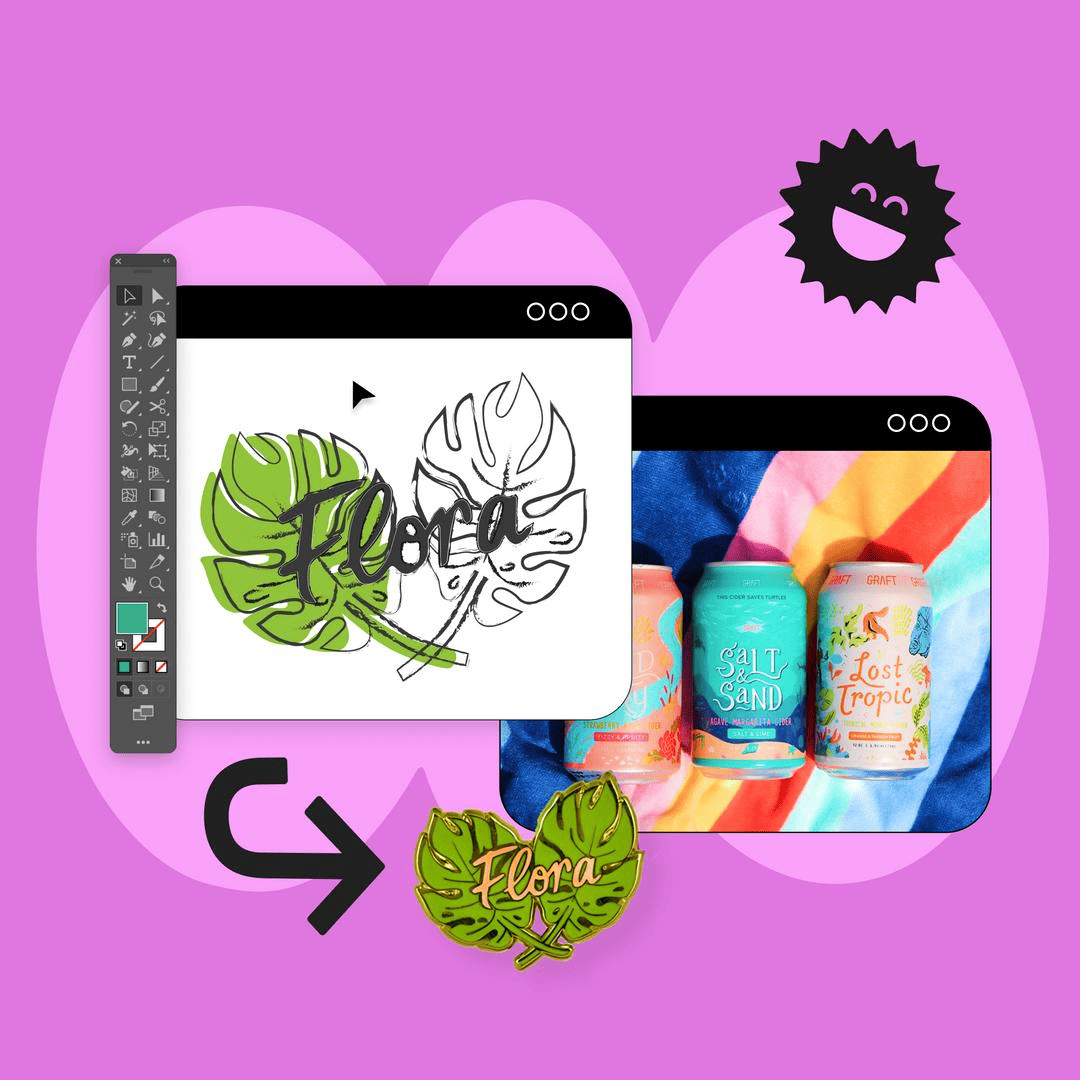
- Hand-drawn sketches: These require conversion to digital vector artwork, which slows down the process. While talented illustrators can work wonders by digitizing sketches, every adjustment costs time and money.
- Incorrect size or aspect ratios: Files that don’t match the intended pin size may lead to unintended cropping or distorted proportions5.
Real-world example: A customer once submitted an image of their custom pin design in a small PNG file. While their concept looked fantastic during the initial discussion, the tiny details of their logo were almost impossible to reproduce accurately. We had to recreate the design in vector format and adjust several features to make it compatible—adding two weeks to their order timeline.
To avoid these headaches, double-check your file specs before submitting. If in doubt, ask your pin supplier whether your format meets their guidelines.
How can you prepare your enamel pin design for production?
Preparation is key to avoiding design-related issues during manufacturing. A well-prepared file can save you significant time and money.
Always use vector design software like Adobe Illustrator or CorelDRAW to create enamel pin artwork. If that’s not an option, work with a professional designer familiar with vectors.
Dive deeper into best practices
Here’s my go-to checklist for file preparation:
- Start with a vector format: Create your design in software like Illustrator (resulting in an AI file), or convert it into EPS for universal compatibility across platforms.
- Outline all text: Any font used in your design should be converted into outlines to prevent compatibility issues. For example, your factory might not have access to niche fonts, and text could render incorrectly.
- Ensure proper color systems: Use Pantone color codes to define enamel fill areas precisely6. These codes help manufacturers replicate your design colors accurately and avoid guesswork.
- Check design dimensions: Confirm the intended pin size before submitting your file, and clarify adjustable tolerances if applicable.
- Inspect small details: Avoid designs with extremely thin lines or complex gradients. These features are hard to reproduce in enamel pins and can compromise the finished product.
Collaborating with your pin supplier to verify files before production is another effective practice7. At HiPinny, we always confirm artwork accuracy—and where possible, we suggest improvements before locking in designs.
Frequently Asked Questions
What if I don’t have vector design software?
No problem! Many graphic designers offer file conversion services for a reasonable fee. You can submit a JPG or PNG draft, and your designer can convert it to vector format while refining details along the way.
What resolution is acceptable for enamel pin production?
Resolution matters less in the case of vector files since they don’t use pixels8. If you’re working with non-vector bitmap files, aim for at least 300-dpi resolution, but vector formats remain your safest bet.
Can I use a PDF file for enamel pins?
Possibly! If your PDF contains embedded vector artwork, it can work. However, some PDFs are merely wrappers for low-resolution images. Make sure your PDF preserves vector data rather than bitmap content.
Conclusion
Choosing the right file format for custom enamel pins is essential to avoid production delays, lower costs, and achieve the best quality. Vector files like AI or EPS are ideal, as they provide scalability, precision, and flexibility during manufacturing. If you’re unsure about your design file, collaborating with your supplier or a graphic designer can help streamline the process.
Need reliable guidance on submit-ready artwork? Contact HiPinny today to explore how we can support your custom enamel pin journey!
"Vector graphics", https://en.wikipedia.org/wiki/Vector_graphics. Vector graphics are resolution-independent, meaning they maintain clarity and detail regardless of scaling, as they are based on mathematical equations rather than pixels. This makes them ideal for applications requiring precision and scalability, such as graphic design and manufacturing. Evidence role: general_support; source type: education. Supports: Vector files retain design clarity at any size and prevent distortion or lost detail.. ↩
"Resize designs and size limits - Canva Help Center", https://www.canva.com/help/resize/. Manufacturing processes frequently require resizing design files to ensure compatibility with production equipment and to meet material constraints, as this helps maintain design integrity and production efficiency. Evidence role: mechanism; source type: research. Supports: Manufacturers often need to resize files to match production equipment or optimize for material constraints.. ↩
"An Overview of Image File Formats | N.C. Cooperative Extension", https://cherokee.ces.ncsu.edu/news/an-overview-of-image-file-formats/. Incompatible file formats often require additional processing or conversion, which can delay production timelines and introduce errors that compromise the quality of the final product. Evidence role: general_support; source type: research. Supports: Submitting an incompatible file can disrupt production schedules and affect product quality.. ↩
"ELI5 why 72 DPI looks good on computers and stuff, but ...", https://www.reddit.com/r/explainlikeimfive/comments/1hs27o4/eli5_why_72_dpi_looks_good_on_computers_and_stuff/. Images with a resolution of 72 dpi are optimized for digital screens but lack the detail required for high-quality printing or manufacturing, where resolutions of at least 300 dpi are typically recommended. Evidence role: general_support; source type: education. Supports: A 72-dpi JPG might look fine on a screen, but the lack of detail becomes apparent during production.. ↩
"File Size and Format - International Journal of Manufacturing ...", https://scialert.net/guide2.php?issn=2152-1913&id=11. Mismatched file sizes can result in unintended cropping or distortion during manufacturing, as production equipment may not be able to accurately scale or align the design to the intended dimensions. Evidence role: mechanism; source type: education. Supports: Files that don’t match the intended pin size may lead to unintended cropping or distorted proportions.. ↩
"Pantone", https://en.wikipedia.org/wiki/Pantone. Pantone color codes provide a standardized system for color matching, ensuring consistent and accurate reproduction of colors in manufacturing processes, including enamel pin production. Evidence role: general_support; source type: education. Supports: Pantone color codes are used to define enamel fill areas precisely.. ↩
"Pre-production", https://en.wikipedia.org/wiki/Pre-production. Pre-production file verification with manufacturers helps identify and resolve potential issues, ensuring that the final product meets quality and design specifications. Evidence role: general_support; source type: research. Supports: Collaborating with your pin supplier to verify files before production is an effective practice.. ↩
"What is the difference between bitmap and vector images?", https://etc.usf.edu/techease/win/images/what-is-the-difference-between-bitmap-and-vector-images/. Vector files are resolution-independent because they use mathematical equations to define shapes, rather than pixels, allowing them to be scaled without loss of quality. Evidence role: mechanism; source type: education. Supports: Resolution matters less in the case of vector files since they don’t use pixels.. ↩